Digital Audio I
COURSE DESCRIPTION
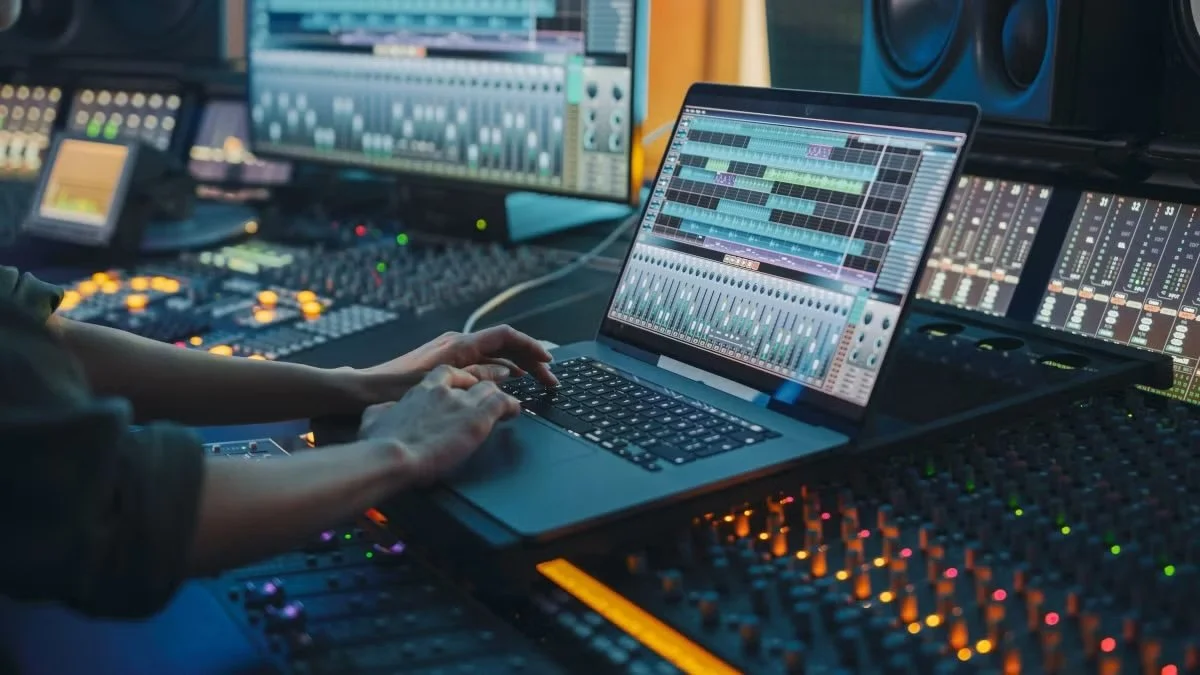
This course introduces the core concepts and practical techniques of the modern digital audio workstation (DAW). Students will engage with the technologies, terminology, and production workflows used to create, edit, and produce music using contemporary digital tools, with an emphasis on hands-on application in Logic Pro X, Mainstage 3 and MuseScore 4.
COURSE LEARNING OUTCOMES
Upon successful completion of this course, students will be able to:
• Use appropriate and professional studio terminology in both written and practical contexts.
• Apply best practices for designing and operating a functional home recording studio.
• Demonstrate a working knowledge of recording, editing, and software instrument tools within the Logic Pro digital audio workstation.
• Utilize plug-ins, signal processors, and audio effects to enhance the quality of recorded material.
• Exhibit technical proficiency in Logic Pro comparable to industry-recognized professional standards.
• Record, edit, mix, and export a multi-track session suitable for real-world production environments.
REQUIRED TEXTS AND RECOMMENDED STUDY RESOURCES
- David Nahmani, Logic Pro Professional Music Production. 2nd Edition, Apple Pro Training Series, Peachpit Press (2024).
- Access to MuseScore 4
- Access to Logic Pro X
ASSESSMENT AND GRADING
Grades will be based on the following:
A | A 93-100 | A- 90-92 |
B | B+ 87-89 | B 83-86 | B- 80-82 |
C | C+ 77-79 | C 73-76 | C- 70-72 |
D | D+ 67-69 | D 63-66 | D- 60-62 |
F | Less than 59 |
Projects: (12 @ 20 pts.) (Syllabus Quiz @ 20 points): 260 points.
Throughout the session, students must complete 12 guided projects. 10 of these projects will be completed in tandem with the assigned reading. This will include an additional twenty-point syllabus quiz. Quizzes will be completed on Canvas. Any technological issues with the quizzes must be resolved promptly, as they will not excuse late or missed quizzes. Quizzes will be available from Sunday of the assigned week and are due by midnight on the Sunday following the corresponding lessons.
Responses: (28 @ 5 pts.): 140 points
Each student is expected to be familiar with each week’s assigned listenings, readings, and viewings before class to contribute meaningfully to discussions. Toward the end of each class session, students will be asked to respond to a survey asking for a key takeaway from the class material that impacted their understanding of the weekly topic.
*It is recommended that you type up your response using a word processing program and save a copy for yourself. This will prevent any work from being lost in case of an internet connection failure
Final Project: 100 points
will create an original song and carry it through the full digital production workflow, from composition and recording to notation and performance preparation. This project will be completed using Logic Pro, MuseScore, and MainStage. Students will demonstrate their ability to integrate audio recording, MIDI programming, loop-based production, editing, mixing, notation, and live-performance preparation into a cohesive musical work suitable for studio or live contexts.
INCOMPLETES AND LATE ASSIGNMENTS
All assignments are to be submitted/turned in by the beginning of the class session when they are due—including assignments posted in Canvas. Incompletes will only be assigned in extremely unusual circumstances.
Late assignments completed after the due date will be penalized ten points per day. Assignments will close a week after the due date at which point no credit will be awarded.
*Please note: all due dates/times are PST (Pacific Standard Time)
AI STATEMENT
You are allowed to use Artificial Intelligence (AI) tools (e.g., ChatGPT, Gemini Pro 1.5, GrammarlyGo, Perplexity, etc) to generate ideas, but you are not allowed to use AI tools to generate content (text, video, audio, images) that will end up in any work submitted to be graded for this course. If you have any doubts about using AI, please gain permission from the instructor.
COURSE OVERVIEW
Week 1 –Intro Week
Reading: None
Project: None
Class 1: Syllabus overview, course expectations,
Assignment: In-Class Response #1
Class 2: Computer lab access, file management, interface tour
Assignment: In-Class Response #2
Week 2 – Chapter 1: Make Music with Logic Now!
Reading: Lesson 1
Project: Project 1
Class 3: Creating a Logic project, navigating the workspace
Assignment: In-Class Response #3
Class 4: Apple Loops and basic arrangement building
Assignment: In-Class Response #
Week 3 – Chapter 2: Recording Audio
Reading: Lesson 2
Project: Project 2
Class 5: Audio recording setup, single-track recording
Assignment: In-Class Response #5
Class 6: Multiple takes, punch-in/out, basic recording workflows
Assignment: In-Class Response #6
Week 4 – Chapter 3: Editing Audio
Reading: Lesson 3
Project: Project 3
Class 7: Region editing, fades, and comping
Assignment: In-Class Response #7
Class 8: Track editor tools and alignment techniques
Assignment: In-Class Response #8
Week 5 – Chapter 4: Virtual Drums
Reading: Lesson 4
Project: Project 4
Class 9: Drummer tracks and basic drum arranging
Assignment: In-Class Response #9
Class 10: Customizing kits and electronic drums
Assignment: In-Class Response #10
Week 6 – Chapter 5: Patches and Recording MIDI
Reading: Lesson 5
Project: Project 5
Class 11: Using patches and recording MIDI
Assignment: In-Class Response #11
Class 12: Quantization, MIDI takes, and controllers
Assignment: In-Class Response #12
Week 7 – Chapter 6: Creating and Editing MIDI
Reading: Lesson 6
Project: Project 6
Class 13: Piano Roll editing and MIDI note creation
Assignment: In-Class Response #13
Class 14: Event List, controllers, and MIDI refinement
Assignment: In-Class Response #14
Week 8 – Midterm Week
Reading: None
Project: Midterm Project – Short complete track demonstrating audio and MIDI skills
Class 15: Midterm review and work session
Assignment:
Class 16: Midterm project submission and reflection
Assignment: Midterm Due
Week 9 – Chapter 7: Editing Pitch and Time
Reading: Lesson 7
Project: Project 7
Class 17: Tempo, key, and groove tools
Assignment: In-Class Response #15
Class 18: Flex Time, tuning, and Varispeed
Assignment: In-Class Response #16
Week 10 – Chapter 8: Editing an Arrangement
Reading: Lesson 8
Project: Project 8
Class 19: Song structure and section editing
Assignment: In-Class Response #17
Class 20: Cleaning, rendering, and arrangement refinement
Assignment: In-Class Response #18
Week 11 – Chapters 9: Mixing
Reading: Lessons 9
Project: Project 9
Class 21: Mixing basics: levels,
Assignment: In-Class Response #19
Class 22: EQ, and effects
Assignment: In-Class Response #20
Week 12 – Chapters 10: Mixing
Reading: Lessons 10
Project: Project 10
Class 23: Automation
Assignment: In-Class Response #21
Class 24: Live Automation and bouncing the mix
Assignment: In-Class Response #22
Week 13 – MainStage Integration
Reading: None
Project: Project 10 – MainStage performance setup
Class 25: Introduction to MainStage and live performance concepts
Assignment: In-Class Response #23
Class 26: Exporting Logic sounds to MainStage
Assignment: In-Class Response #24
Week 14 – Notation Software (MuseScore)
Reading: N/A
Project: Project 11 – Lead sheet transcription
Class 27: MuseScore basics and notation workflow
Assignment: In-Class Response #25
Class 28: Transcribing chords and melody from audio
Assignment: In-Class Response #26
Week 15 – Final Project Preparation I
Reading: None
Project: Final Rough Draft
Class 29: Writing and arranging the original song
Assignment: None
Class 30: Recording and supplementing with Apple Loops
Assignment: None
Week 16 – Final Project Preparation II
Reading: None
Project: Final Project – Submission
Class 29: Transcription in MuseScore and exporting to MainStage
Assignment: None
Class 30: Final project presentations and reflection
Assignment: None